
Tech for the Golden Years: Smartphone Fitness Tools That Help Seniors Stay Active and Safe
Staying active in the later years of life looks very different from how it did decades ago. For many seniors, fitness is no longer about pushing limits or following rigid programs. It’s about staying mobile, protecting balance, and maintaining independence without unnecessary strain or risk.
At the same time, technology — especially smartphones — can feel intimidating. The irony is that the very device many seniors are hesitant to use can quietly support movement, improve safety, and make staying active less stressful.
Smartphones don’t need to be complicated to be helpful. Used thoughtfully, they can become simple tools that work in the background while you focus on living your life.
Why Smartphones Make Sense for Senior Fitness
Fitness in the golden years is about consistency, awareness, and safety. Smartphones support all three without demanding constant interaction or technical skill.
They help seniors:
- Stay aware of daily movement
- Build confidence through gentle feedback
- Feel safer when exercising alone
The goal isn’t to turn your phone into a fitness coach. The goal is to let it quietly support healthy habits.
Step Tracking: Awareness Without Pressure
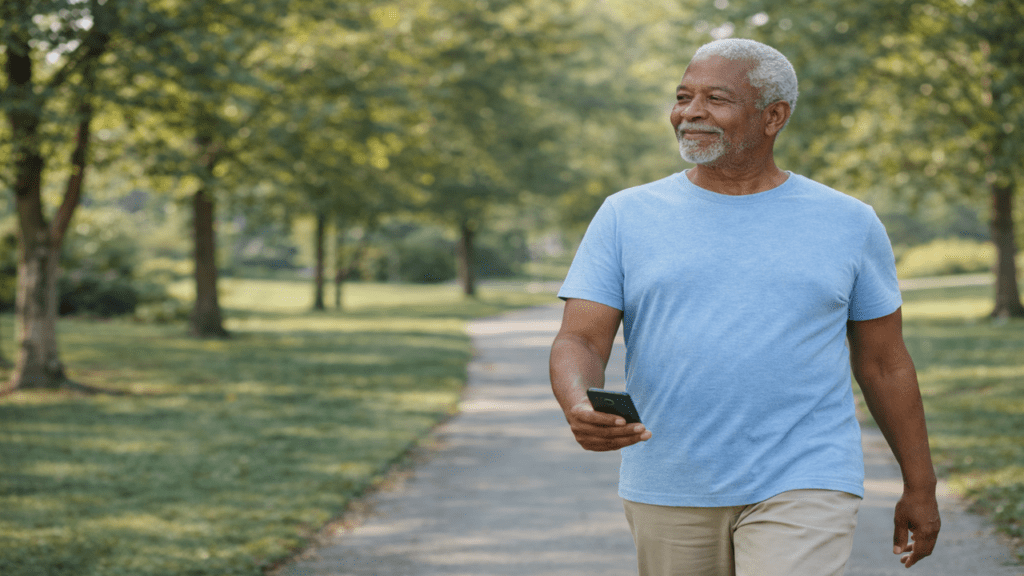
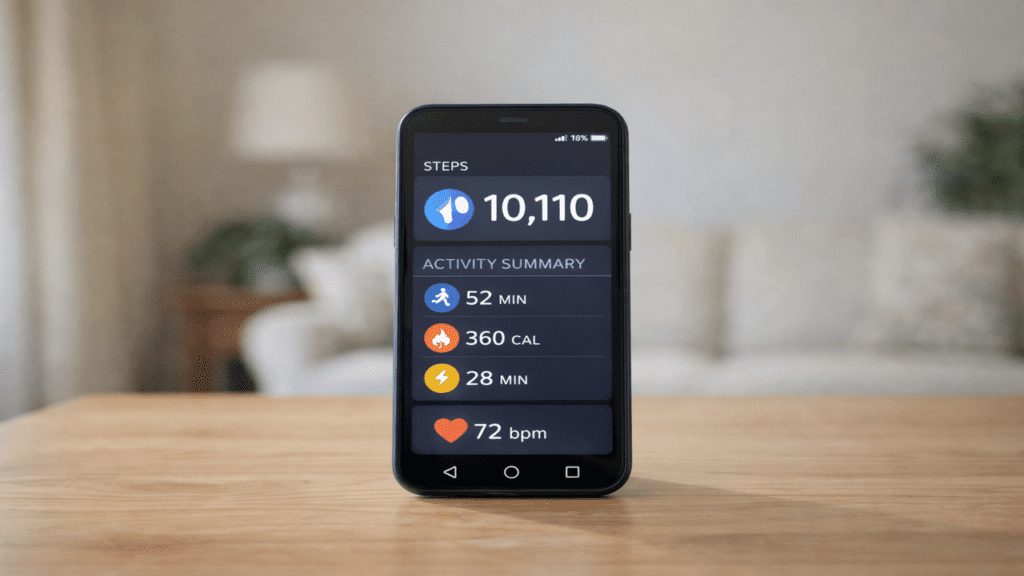
One of the simplest and most useful smartphone features for seniors is step tracking. Not because steps are a magic number, but because they create awareness.
Many seniors underestimate how much they already move during the day. Everyday tasks such as cooking, cleaning, and walking around the house all count toward physical activity. Seeing those steps add up can be surprisingly encouraging.
Step tracking helps by:
- Reinforcing daily movement
- Highlighting patterns over time
- Encouraging consistency without judgment
Rather than chasing a goal, seniors can simply notice trends and make small, comfortable adjustments.
Built-In Health Tools You May Already Have
Most smartphones come with health apps already installed, but many seniors never open them. Often, it’s not because the tools aren’t useful, but because they seem unnecessary or confusing at first glance.
In reality, these apps usually offer simple summaries such as:
- Steps taken
- Time spent moving
- Distance walked
Checking these occasionally can help seniors understand their activity level without feeling pressured to “perform.”
Fitness Apps That Are Actually Senior-Friendly
Not all fitness apps are designed with seniors in mind. Many focus on fast movements, intense workouts, or complicated routines that can feel discouraging.
Senior-friendly apps typically emphasize:
- Walking encouragement
- Gentle stretching
- Chair-based exercises
- Balance and stability routines
The best approach is to choose one app that feels calm and manageable rather than trying several at once.
Using Smartphones to Support Balance and Fall Prevention
Fear of falling is one of the biggest barriers to staying active. Smartphones can help reduce that fear by adding layers of reassurance.
They support balance and safety by:
- Encouraging steady movement habits
- Tracking activity patterns over time
- Providing quick access to help if needed
Even simply carrying a phone during walks or exercise sessions can increase confidence, which often leads to better movement and fewer missteps.
Emergency Features Every Senior Should Set Up
Most smartphones include built-in emergency features, yet many seniors never activate them. Once set up, these tools remain available without daily effort.
Important features include:
- Emergency SOS calling
- Medical information storage
- Emergency contact access
Knowing these tools are in place often makes seniors more comfortable exercising alone or staying active outside the home.
Staying Active Indoors With Smartphone Guidance
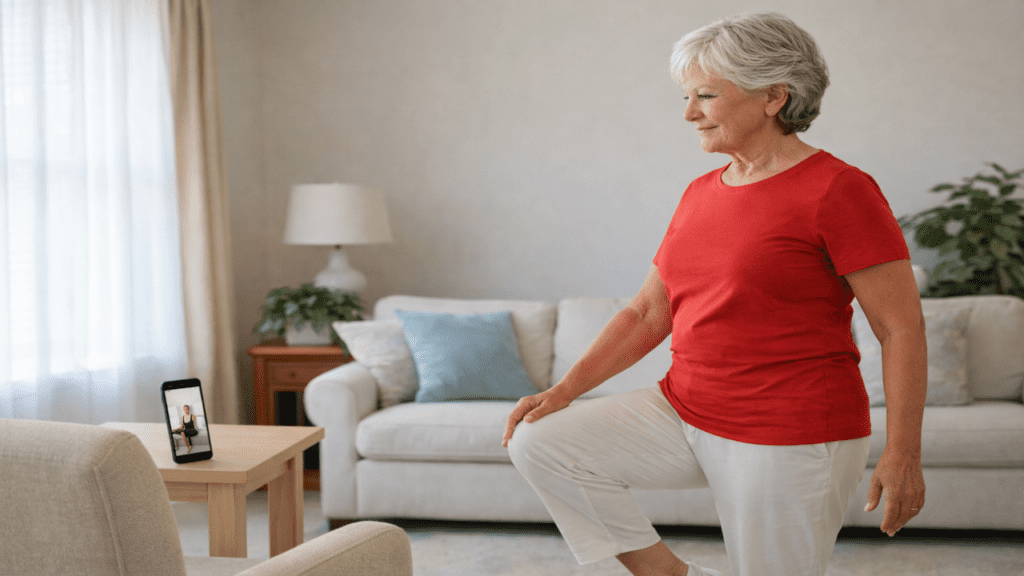
Not every day is a good day for outdoor activity. Weather, joint discomfort, or low energy can limit movement.
On those days, smartphones can guide:
- Gentle stretching sessions
- Chair exercises
- Balance practice
- Light strength movements
Even short indoor routines help maintain mobility and prevent long gaps in activity.
Encouraging Consistency Without Guilt
Many seniors stop exercising not because of physical limitations, but because they feel discouraged. Missed days can feel like failure, especially when fitness programs feel rigid.
Smartphones work best when used as encouragement rather than enforcement. They:
- Show progress over time
- Emphasize effort rather than perfection
- Support flexible routines
This helps seniors stay engaged without feeling pressured.
Walking With a Smartphone for Safety and Confidence
Walking remains one of the most beneficial activities for older adults. Smartphones quietly support this habit in several ways.
They can:
- Track walking time and distance
- Provide navigation if needed
- Play calming music or audiobooks
- Offer quick access to help
For many seniors, this added sense of security makes walking alone feel safer and more enjoyable.
A Realistic Weekly Routine Using Technology
A sustainable routine does not need to be complicated. For many seniors, a balanced week includes:
- Daily movement with step awareness
- Two or three days of gentle guided exercise
- Regular walking when conditions allow
Keeping the phone nearby during activity adds safety without distraction.
Product Recommendation: A Simple Fitness Watch That Pairs With a Smartphone
While smartphones do much of the work, some seniors prefer a wearable device that tracks activity automatically.
The Fitbit Inspire Series is a good fit for many older adults because it:
- Tracks steps automatically
- Has a clear, easy-to-read display
- Syncs simply with a smartphone
- Does not require constant interaction
It provides helpful information quietly, without overwhelming the user.
Smartphones For Seniors
Building Confidence With Technology Over Time
Many seniors worry about making mistakes with technology. That concern often fades once they realize they only need to use a small portion of what their phone offers.
Using just one or two helpful features consistently can:
- Increase confidence
- Support regular movement
- Improve safety awareness
Everything else is optional.
Technology as a Tool for Independence
Rather than reducing independence, smartphones often help extend it. They allow seniors to stay active longer, feel safer while moving, and access help quickly if needed.
When used thoughtfully, technology supports independence instead of replacing it.
A Practical Takeaway
Staying active in the golden years does not require complicated systems or intense routines. It requires tools that support movement, safety, and confidence.
Smartphones, when used simply, become quiet partners in healthy aging. They don’t demand attention — they offer reassurance.
Sometimes, the most helpful fitness tool is already in your pocket.

My name is Larry, and I’d like to thank you for visiting Senior Citizens Fitness. I’m so passionate about staying fit in my later years. I hope you found some useful information here. Thanks again, and please subscribe and leave comments.